ReadyCash
If you typically use cash but want the convenience and benefits of paying your fare with your smartphone, ReadyCash is your ticket.
ReadyCash turns your cash into an instant mobile ticket valid on all of our vehicles.
Visit any ConnectCard vending machine or participating retailers, including our Downtown Service Center.
Getting Started
If you haven't already, download the Ready2Ride app from the Apple Store or Google Play store.


Open your Ready2Ride app and select the My Account option on the bottom of the home screen.
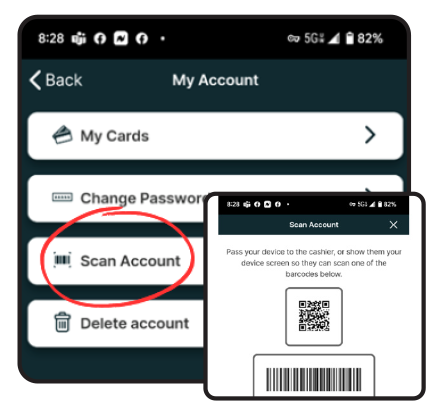
From the list of dropdown options under My Account, select Scan Account. This will open a page with you scan codes and your account ID.
When using a ConnectCard machine, choose the Ready2Ride Account button located in the middle of the screen.
Type your account ID shown at the bottom of the Scan Account screen on your mobile device.
After you accept the Terms & Conditions, select the amount you would like to add to your account.
Insert cash into the ConnectCard vending machine. Once payment has been processed, print your receipt.
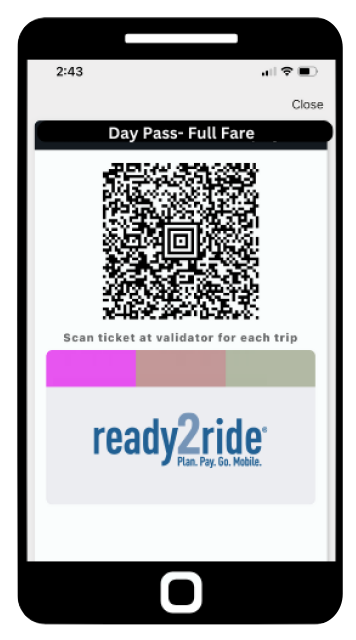
Select your pass from the "Ticket Wallet" on the main menu. Scan the QR code with the pass on the validator located inside the vehicle or at the station.